Join our community to stay updated.
Join our community to stay updated.
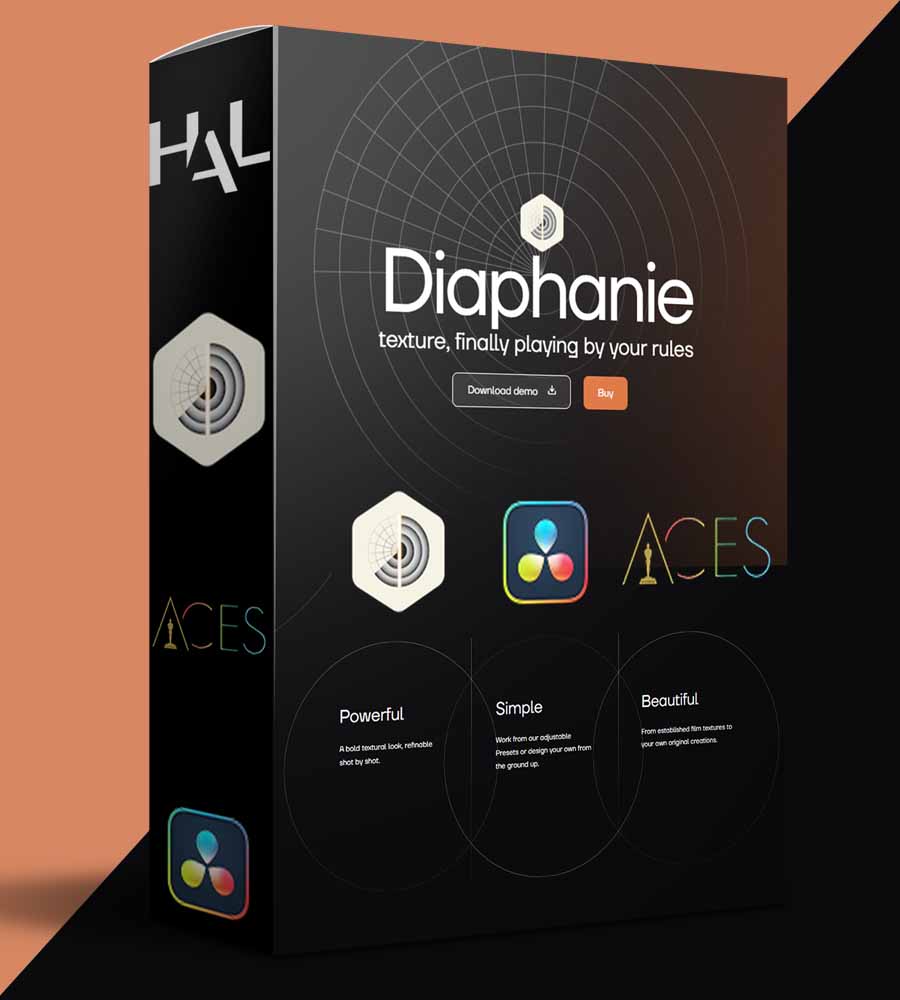
Step into the next dimension of visual texture manipulation with Hal Picture Diaphanie, an groundbreaking OpenFX plugin designed to seamlessly integrate with your favorite color grading software, including DaVinci Resolve. This revolutionary tool empowers filmmakers, colorists, and post-production professionals to shape the very essence of their images, moving beyond conventional film emulation to offer unparalleled parametric control over textural elements. Developed by a team of experienced cinematographers and DITs, Hal Picture Diaphanie For Davinci Resolve is engineered to meet the rigorous demands of professional cinematography, ensuring your artistic vision remains consistent and compelling across every project.
Hal Picture Diaphanie offers a limitless textural toolkit that integrates directly into your existing color grading environment as a powerful OpenFX plugin. Unlike simple overlays, this sophisticated software deconstructs image texture into a suite of finely tunable parametric controls, giving you the power to craft truly unique looks. Designed with the high standards of professional cinematography in mind, Diaphanie ensures multi-resolution compatibility and transparent, color-managed workflows, including native ACES support. This allows you to confidently sculpt your vision, maintaining fidelity across diverse formats and strict delivery specifications. Embrace the future of texture creation software with this intuitive yet robust solution.
At its core, Diaphanie provides four powerful modules:
Forget the limitations of static scanned film stocks. The procedural grain engine within Hal Picture Diaphanie For Davinci Resolve is a game-changer for authentic film grain emulation. By mathematically generating grain on the fly for each image, Diaphanie ensures truly organic, randomized patterns that interact dynamically with your footage. This results in a vastly richer and more integrated texture, offering complex and numerous interactions that breathe life into your visuals. You can adjust everything from the grain’s shape (finer to sharper, jagged to thicker), size, and plasticity, to its density and scale based on exposure area and level of detail, even coloring it to taste. This unique approach provides superior visual fidelity and performance, a crucial advantage in any professional post-production workflow.
Presets are fundamental to the efficient and modular workflow offered by Diaphanie. This robust system guarantees continuity across projects and allows for the creation of incredibly complex textural renderings with ease. You can export your unique parametric values at any point to build and tailor your personal presets library, enabling you to load, edit, and build upon your catalogue of looks project after project. Hal Picture Diaphanie comes equipped with a comprehensive set of robust, built-in presets designed to cover a wide variety of textural identities. These can be used directly as starting points or as a base for highly efficient and personalized look development. Furthermore, the ability to load presets independently within each module—for instance, combining a 35mm modeling preset with super 16 grain emulation and specific halation and diffusion effects—unlocks unprecedented creative freedom and flexibility for any color grading plugin.
Developed by a dedicated team of cinematographers and DITs, Hal Picture Diaphanie addresses the daily realities and challenges faced in high-end production environments. Teaming up with Poly Son, a major French post-production facility, HAL has crafted professional cinematography tools that facilitate a truly collaborative, non-destructive post-production workflow across all stages of the pipeline. Diaphanie natively supports ACES workflow, ensuring transparent and precise color management crucial for maintaining your artistic vision from prep to set and through post. This commitment to industry standards makes Hal Picture Diaphanie For Davinci Resolve a true companion for discerning professionals.
Diaphanie offers powerful solutions for all your texture creation software needs within DaVinci Resolve or Baselight. With its intuitive controls, robust features, and commitment to professional quality, it’s an indispensable tool for crafting captivating visual narratives. A demo version is available from your HAL Picture account, allowing you to experience the power of Diaphanie firsthand.
If you found this course interesting, you might also like our full range of products in this category, such as ProColorist Genesis for DaVinci Resolve. For more details from the original creator, you can visit the official sales page.