Join our community to stay updated.
Join our community to stay updated.
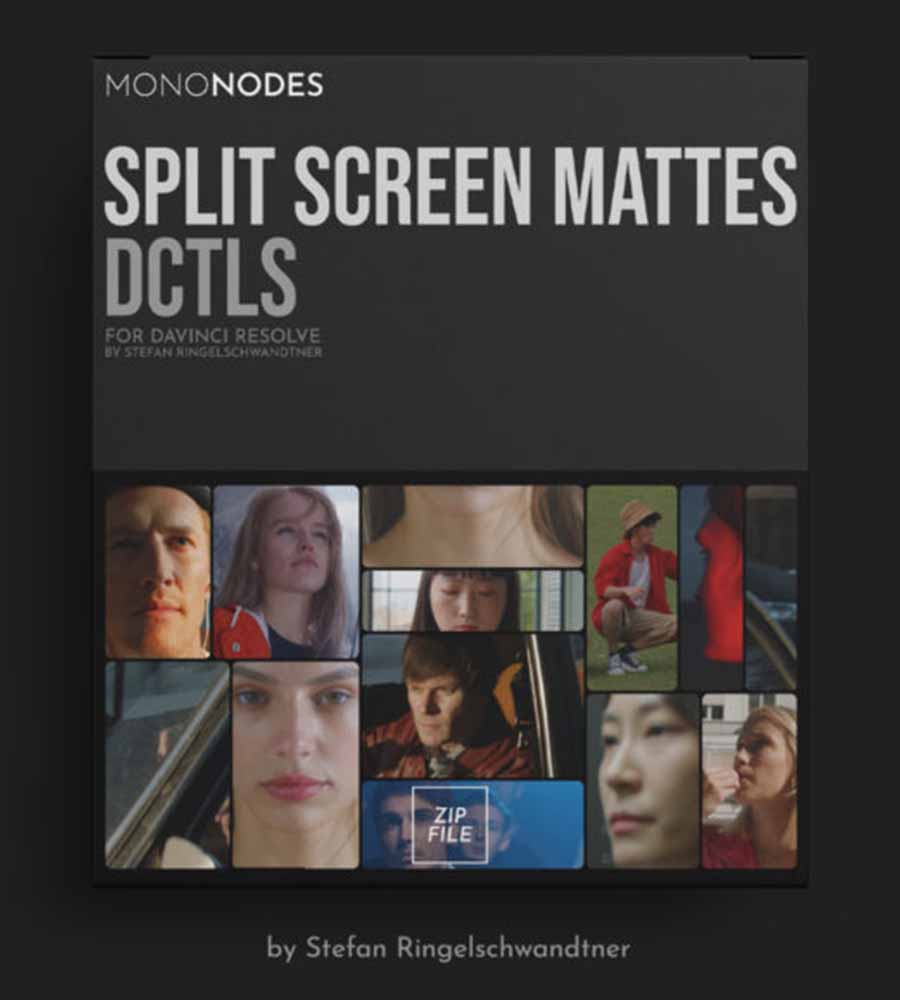
Elevate your visual storytelling within DaVinci Resolve with the revolutionary Split Screen Mattes DCTLs by mononodes. Designed for discerning editors and colorists, this powerful pack provides a suite of procedural layout tools that completely redefine how you approach multi-panel compositions. Forget the limitations of static templates and tedious manual setups; these advanced DaVinci Resolve DCTLs offer unparalleled flexibility, real-time control, and resolution independence, transforming your color grading workflow and allowing for truly creative split screens.
In a world saturated with generic video editing tools, the Split Screen Mattes DCTLs by mononodes stands out by offering a dynamic, adaptable solution to a common creative challenge. Unlike traditional methods that rely on fixed PNG overlays or complex Fusion compositions, this innovative DCTL pack generates all mattes procedurally. This means every layout automatically adjusts to your project’s resolution and aspect ratio, ensuring crisp, clean edges and perfect proportions every single time. Imagine adjusting spacing, margins, rounded corners, rows, shapes, and geometry directly from the Color Page using intuitive sliders – a level of precision and ease previously unattainable for dynamic layouts.
Traditional split-screen assets often lock you into predetermined arrangements and specific resolutions, hindering your creative freedom. The Split Screen Mattes DCTLs by mononodes shatters these constraints. By calculating every visual element mathematically, these procedural mattes behave like a true design system, not merely a collection of static images. Whether you’re working on vertical, widescreen, or square formats, your layouts adapt instantly, maintaining visual integrity and offering endless possibilities for filmmaking assets. This responsiveness ensures your compositions always look polished and professional, regardless of the output medium.
This comprehensive pack includes three distinct DCTLs, each designed to achieve a specific aesthetic, ensuring you have the perfect tool for any project requiring creative split screens:
The “Structure” DCTL is your go-to for clean, organized, and row-based panel arrangements. Supporting up to five rows, each with customizable panel counts, you gain meticulous control over width bias, spacing, and corner softness. This DCTL also features a unique focus panel option, allowing you to highlight specific shots within your split screen with ease. It’s ideal for crafting precise grids, detailed comparisons, or structured collage-style designs.
For projects demanding a more natural and expressive feel, the “Organic” DCTL delivers. This tool creates layouts where cells drift away from strict alignment, settling into positions that feel soft, loose, and intuitively arranged. By adjusting parameters like scale and chaos, you can transition from subtle, flowing variations to highly dynamic and playful compositions. The “Organic” DCTL is perfectly suited for music videos, artistic projects, and edits that benefit from a fluid, unpredictable visual rhythm.
When stability and intentional design are paramount, the “Steady” DCTL provides precisely that. It arranges cells in a clean, ordered, and evenly balanced structure, driven by clear geometric logic. The resulting layouts feel stable and dependable, perfect for professional applications. You can even introduce a controlled touch of randomness to gently soften the precision without compromising the underlying structure. “Steady” is an indispensable tool for editorial work, commercial spots, and any project that requires polished, reliable dynamic layouts.
The core strength of the Split Screen Mattes DCTLs by mononodes lies in its procedural generation. This revolutionary approach means:
These DaVinci Resolve DCTLs offer an extensive array of features designed to put you in complete command of your creative split screens:
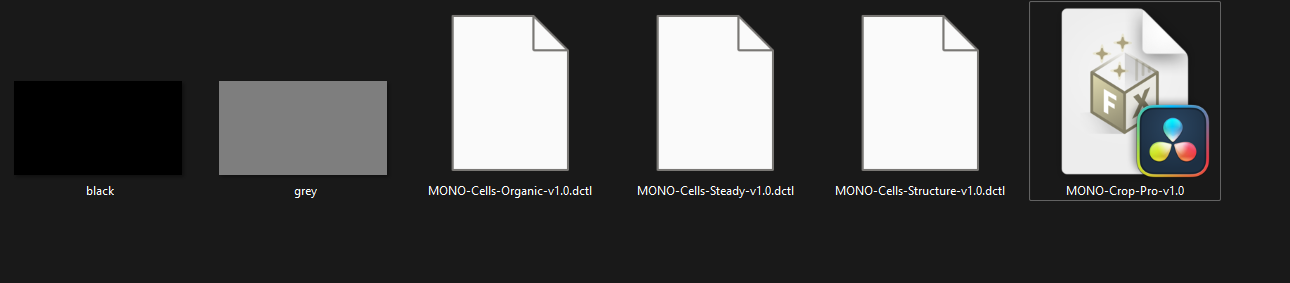
Installing and using the Split Screen Mattes DCTLs by mononodes is straightforward, designed to seamlessly integrate into your existing color grading workflow. A clear installation guide helps you place the DCTL files into your Resolve LUT folder, and a quick-start guide demonstrates how to combine the DCTLs with simple black/grey PNGs (included) and a tool like MONO-Crop-Pro (available separately) to perfectly position your video clips within your stunning new layouts. This streamlined process ensures you spend more time creating and less time troubleshooting.
The Split Screen Mattes DCTLs by mononodes is more than just a set of filmmaking assets; it’s a creative partner that empowers you to push the boundaries of visual expression. With a one-time payment, free updates, and no subscriptions, this encrypted DCTL pack offers exceptional value and an enduring solution for all your multi-panel needs.
If you found this DCTL pack interesting and are looking to expand your toolkit, you might also like our full range of DaVinci Resolve DCTLs and video editing tools in this category, such as mononodes Hue Twist DCTLs. For more details and to explore additional resources from the original creator, you can visit the official sales page. Unlock new dimensions in your editing – get your Split Screen Mattes DCTLs by mononodes today!