Join our community to stay updated.
Join our community to stay updated.
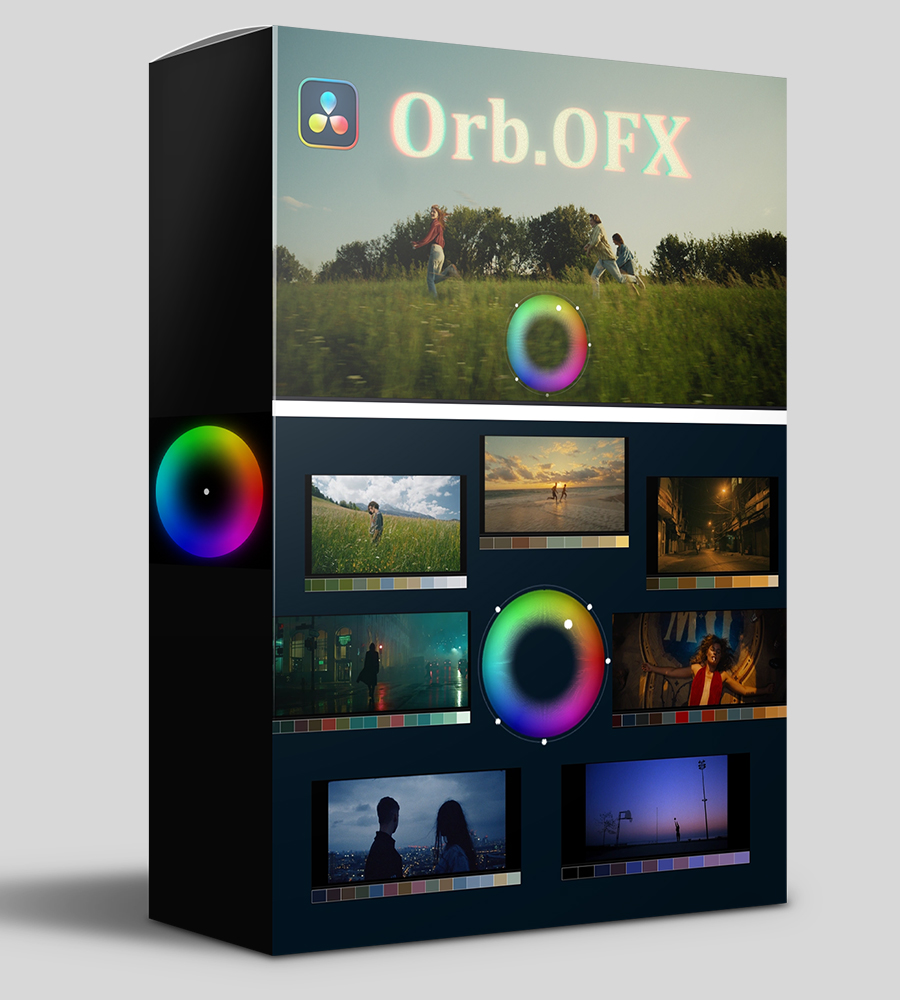
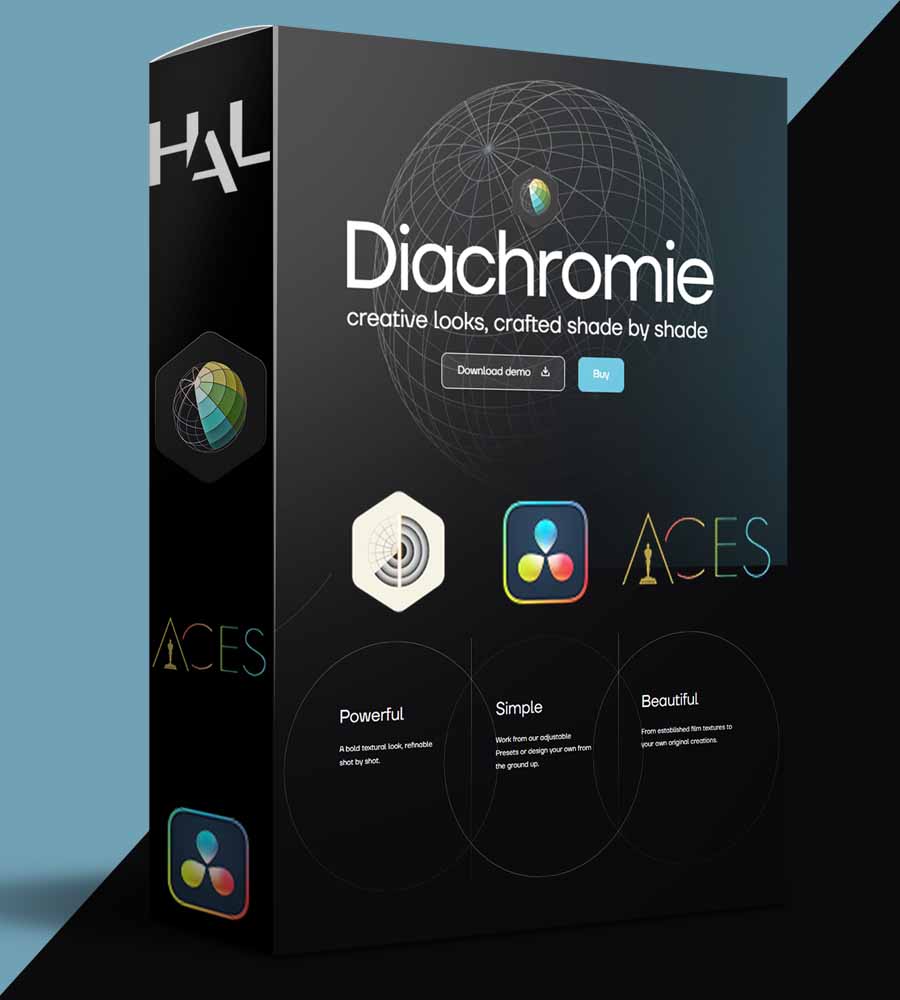
Transform your visual storytelling with Orb.OFX, a groundbreaking color grading plugin meticulously crafted for DaVinci Resolve. This innovative tool reimagines the art of color correction by treating “looks” as an expansive, continuous color space rather than static, predefined points. Forget the limitations of traditional presets and LUTs; Orb.OFX empowers filmmakers and colorists with unparalleled creative control, enabling them to navigate a fluid spectrum of sophisticated colors and tones to achieve their perfect desired aesthetic with intuitive precision. Elevate your post-production workflow and deliver breathtaking cinematic color that sets your projects apart.
Orb.OFX introduces a revolutionary paradigm to DaVinci Resolve color grading. Unlike conventional methods where you’re forced to choose between a limited set of looks, Orb.OFX allows you to explore an infinite gradient of finished colors. Inspired by the natural flow of the color wheel, this plugin defines looks mathematically, ensuring that every position you land on within its continuous space is a complete and harmonious color design. This means no jarring steps or seams – just seamless exploration and precise refinement for every frame. The result is a more organic and powerful approach to shaping the visual mood of your footage, bringing a new dimension to your video editing software capabilities.
The Orb OFX DaVinci Resolve Plugin is packed with seven distinctive features designed to make advanced color manipulation feel effortless and intuitive:
The Orb OFX DaVinci Resolve Plugin distinguishes itself by fundamentally rethinking how color is approached in video editing software. While traditional LUTs and presets are static “points”—a binary choice of “yes” or “no”—Orb.OFX operates within a mathematically defined, continuous color space. This innovation allows for seamless transitions between looks, granting you unprecedented fluidity in your post-production workflow. Furthermore, the plugin’s inherent design ensures that subsequent tonal or color adjustments made within DaVinci Resolve will not “break” the integrity or design of the Orb.OFX look, providing a robust and dependable foundation for your creative endeavors. Its status as a powerful OpenFX plugin means seamless integration into your existing DaVinci Resolve setup.
To ensure optimal performance with the Orb OFX DaVinci Resolve Plugin, we highly recommend using DaVinci Resolve Studio. While the free version of DaVinci Resolve has been observed to run the plugin, it is not officially supported due to Blackmagic’s documentation listing third-party OpenFX plugin support as a Studio feature. We strongly advise utilizing the free trial version of Orb.OFX to confirm compatibility with your specific setup before making a purchase, especially if you plan to use the free edition of DaVinci Resolve.
Crucially, Orb.OFX is engineered around DaVinci Wide Gamut / DaVinci Intermediate. For intended results, you must configure your Project Settings within DaVinci Resolve’s Color Management to “DaVinci YRGB Color Managed” for Color Science and “DaVinci Wide Gamut / DaVinci Intermediate” for Color Processing. Failing to adhere to these settings will not yield the expected results, so please verify them prior to purchase.
Purchasing the Orb OFX DaVinci Resolve Plugin grants you a flexible license for your creative projects. Any footage or imagery you create using Orb.OFX is yours to use freely, whether for personal or commercial purposes, without any additional usage fees or royalties. Client work is perfectly fine. You are permitted to install the plugin on as many machines as you personally own or manage, supporting both Windows and macOS operating systems. Redistribution, transfer, or resale of the plugin itself is, however, strictly prohibited.
The Orb OFX DaVinci Resolve Plugin is more than just another color grading plugin; it’s a gateway to limitless creative control and a refined film look for all your video projects. Its intuitive interface and powerful features empower you to craft stunning, unique visuals with ease and precision. Experience the future of color grading and bring your creative visions to life with unparalleled depth and nuance.
We encourage you to try the full-featured demo (which renders small watermarks) to experience the power of Orb.OFX on your own footage before purchasing. Due to the digital nature of this product, we cannot offer refunds after payment, making the trial an essential step in your decision.
If you found this product interesting, you might also like our full range of products in this category, including the Motion Essentials Pack by NeoEditFX. For more details from the original creator, you can visit the official sales page.